





How to Use
To use OpenRoaming-compatible Wi-Fi, you need to install the configuration file (profile) on your device. (It takes about 5 minutes.)
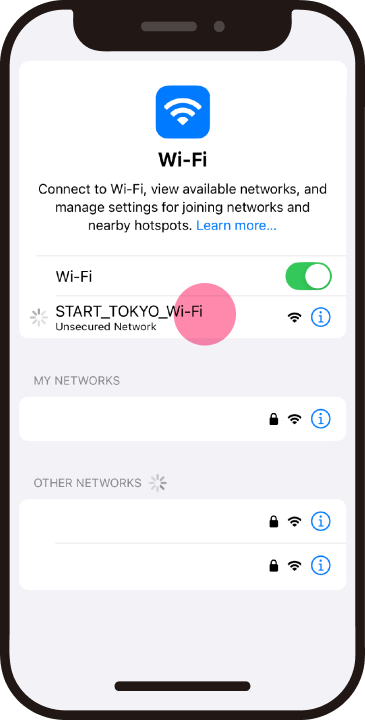
If you do not have an internet connection, please connect to the SSID “START_TOKYO_Wi-Fi” at the Wi-Fi sticker location.
You will be automatically redirected to the setup site.
*Please note that the SSID “START_TOKYO_Wi-Fi” may not be available at times.
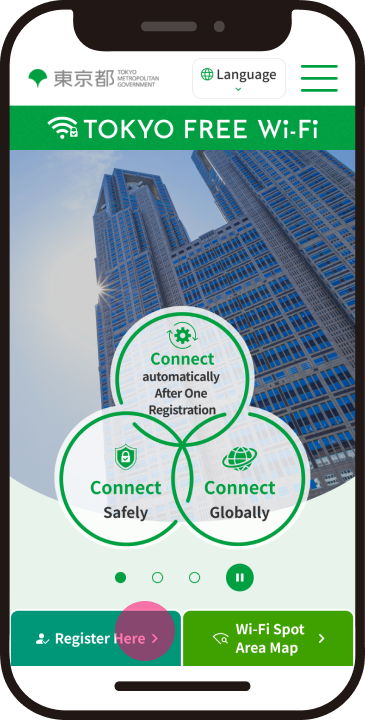
Click on "Register Here" to start the process.
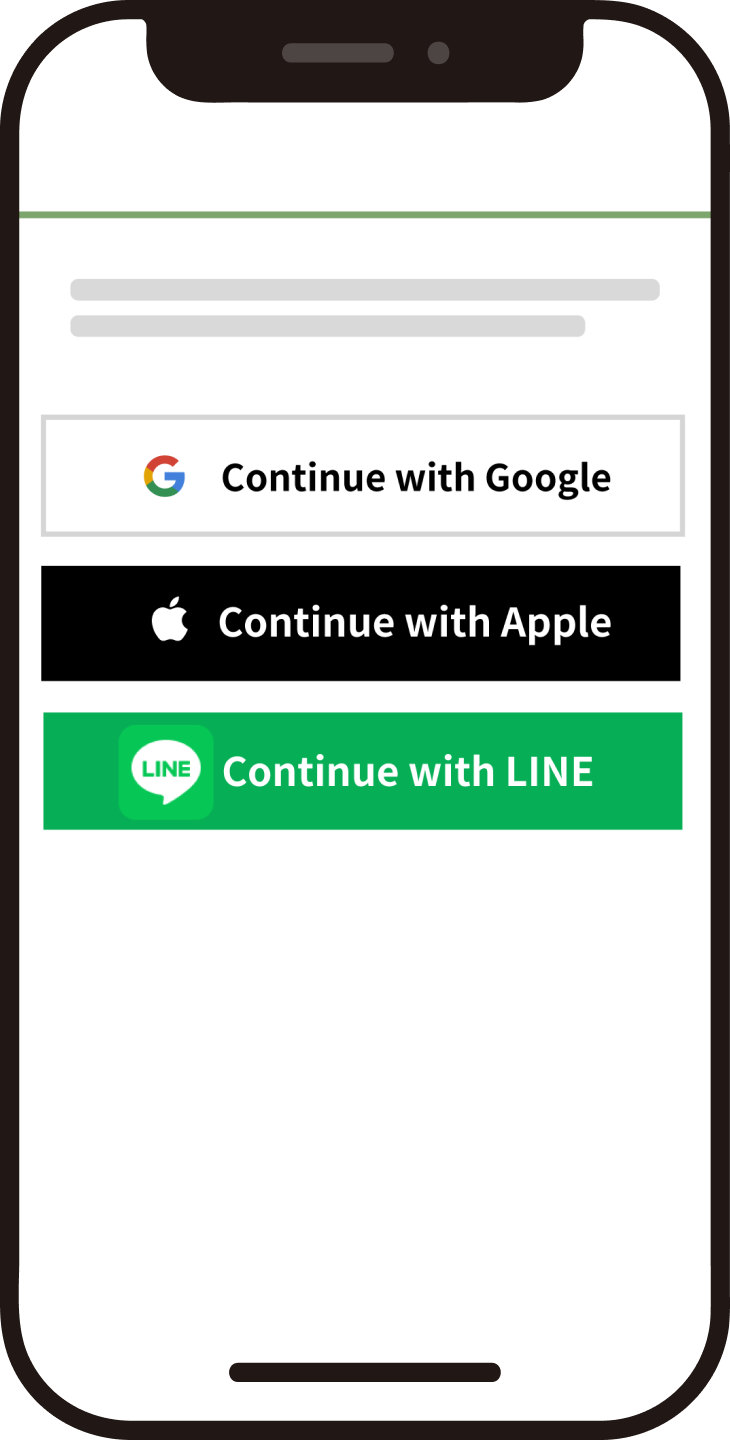
After agreeing to the Terms of Use, confirm your identity.
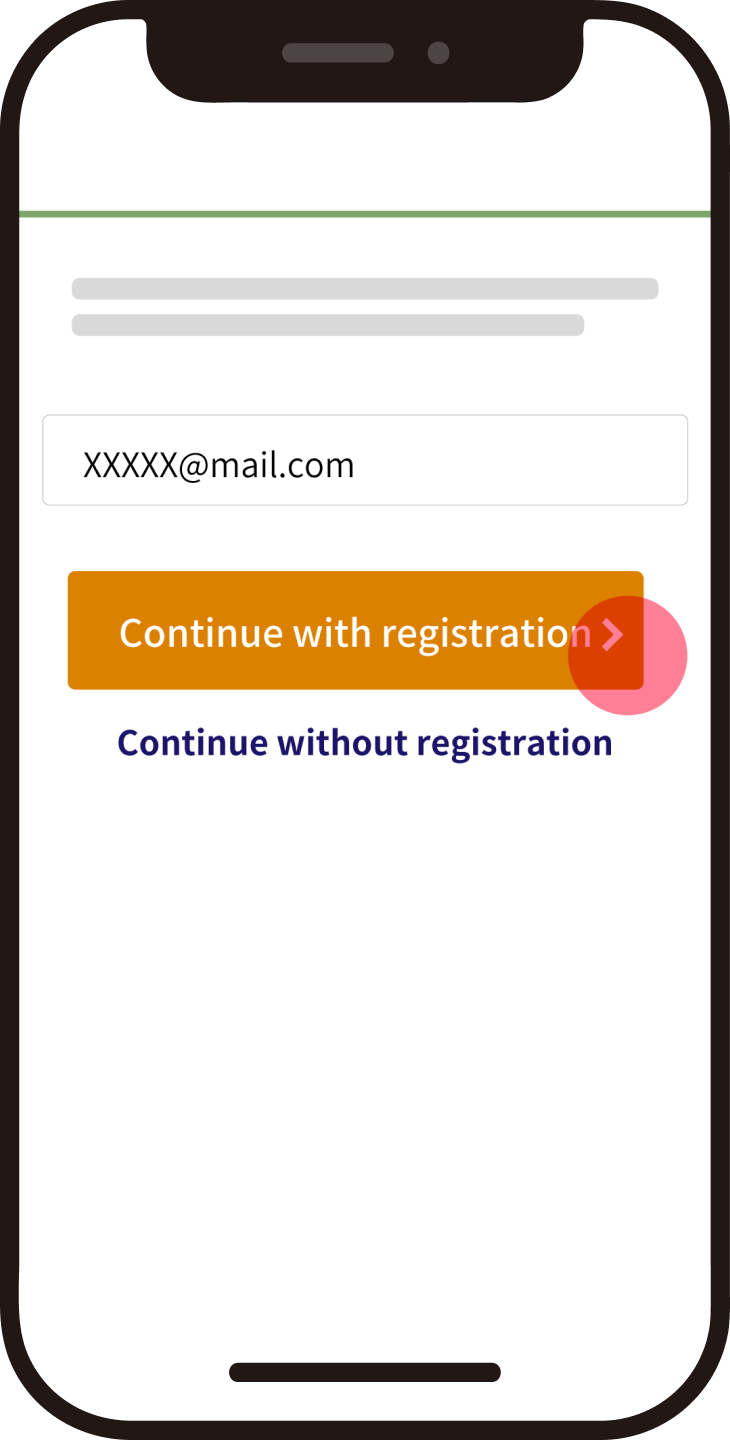
Registration of contact information
Download the profile
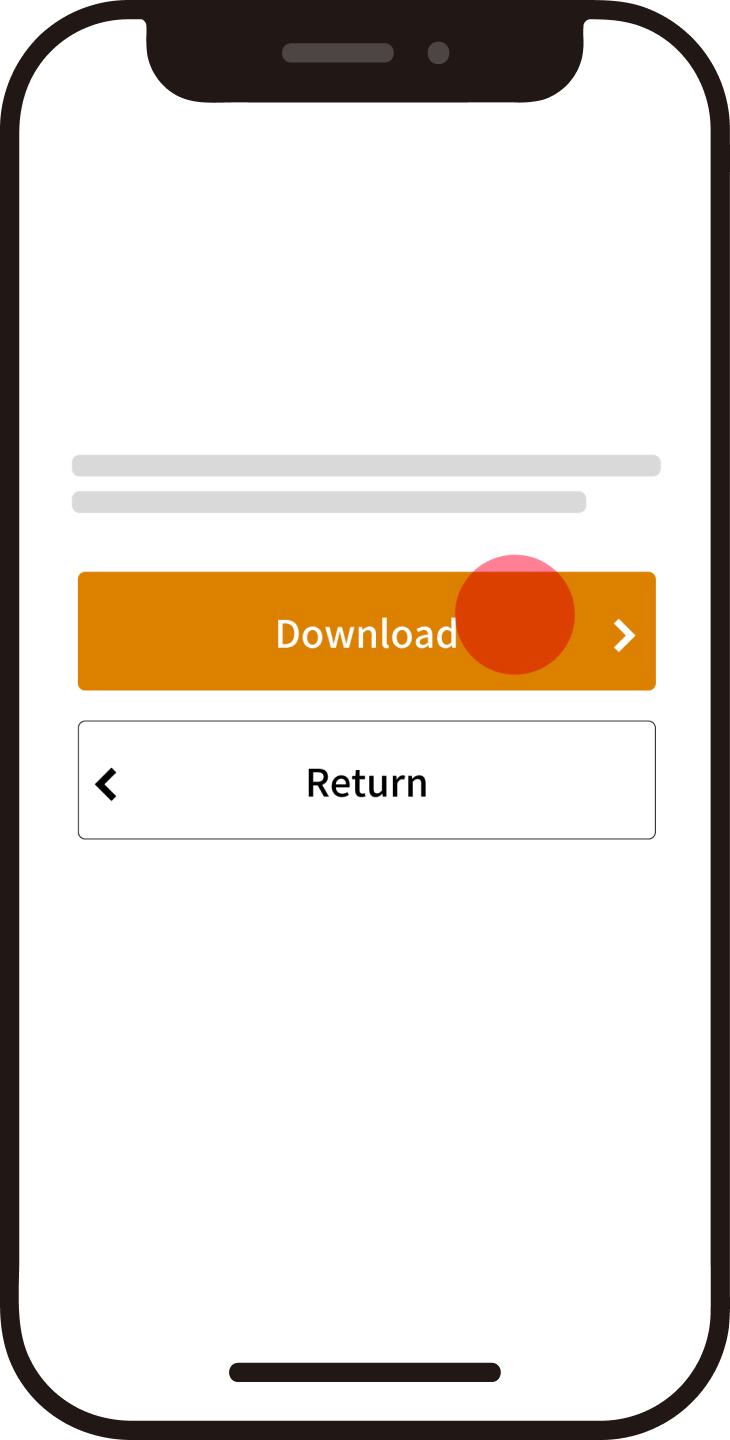
Permission to download
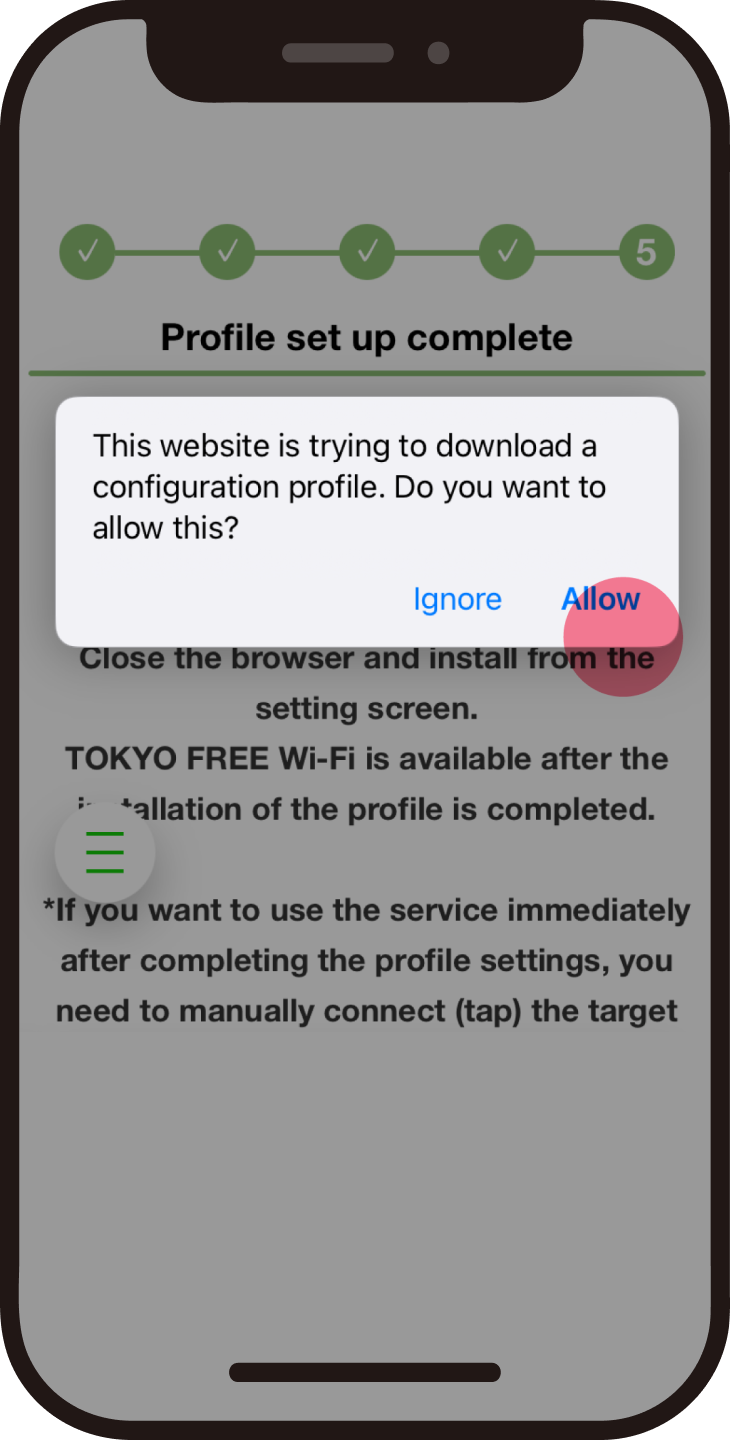
Return to the Home screen and open Settings.
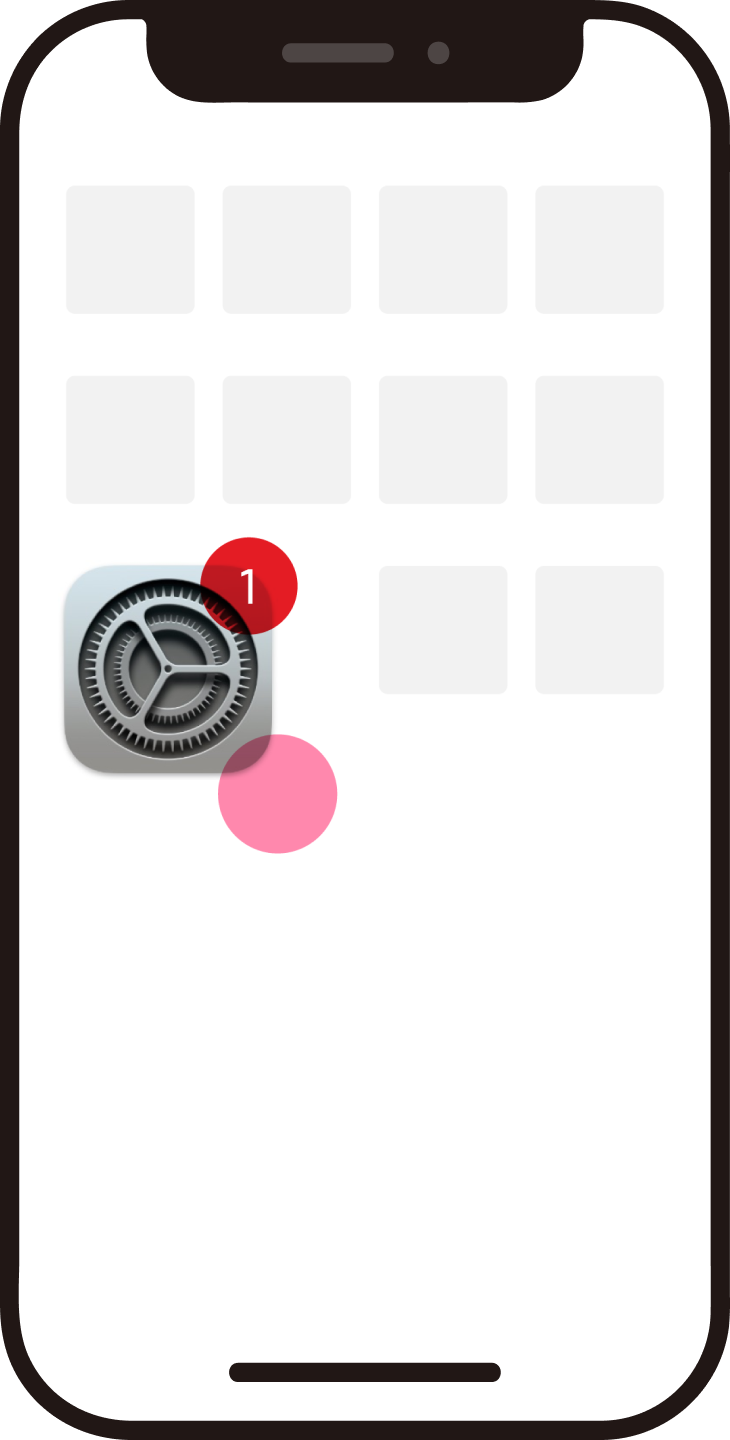
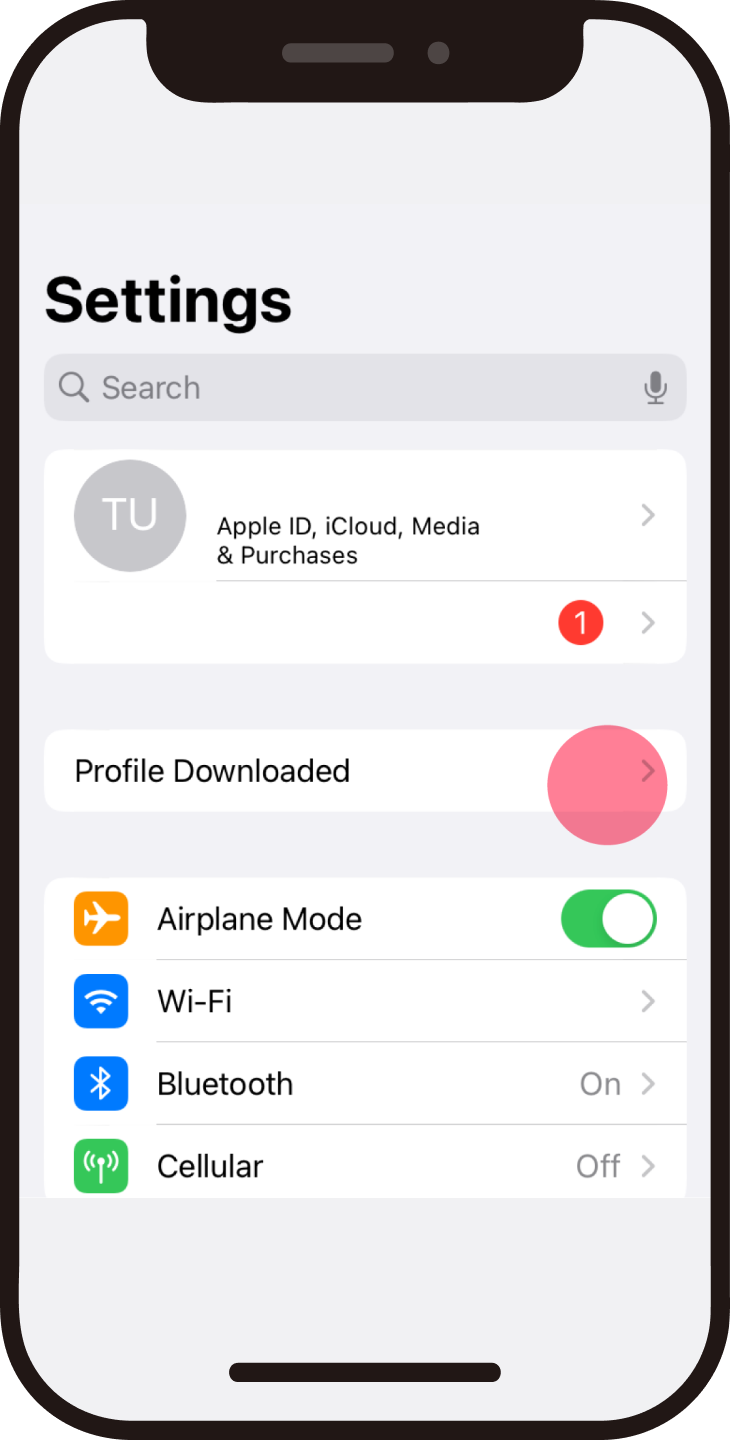
Tap "Profile Downloaded"
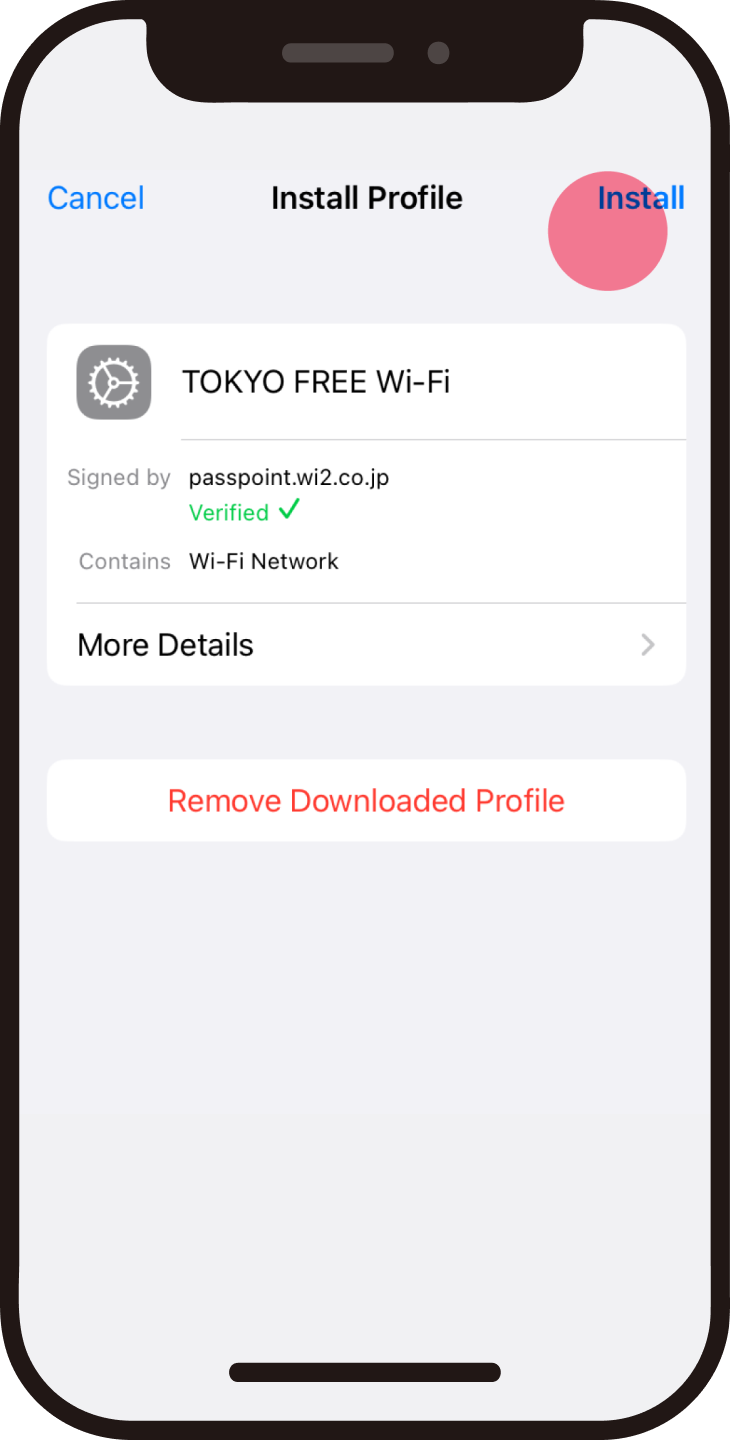
Tap "Install"
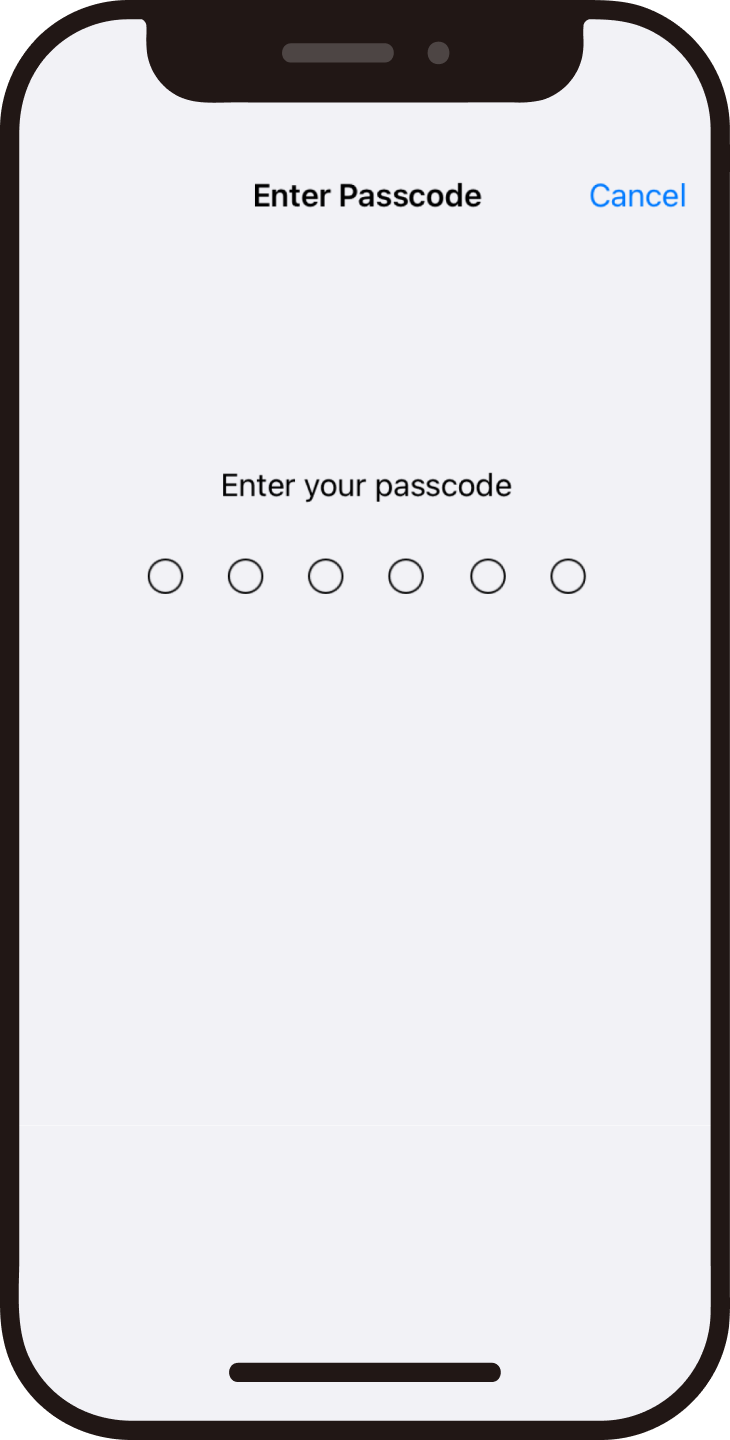
Enter passcode
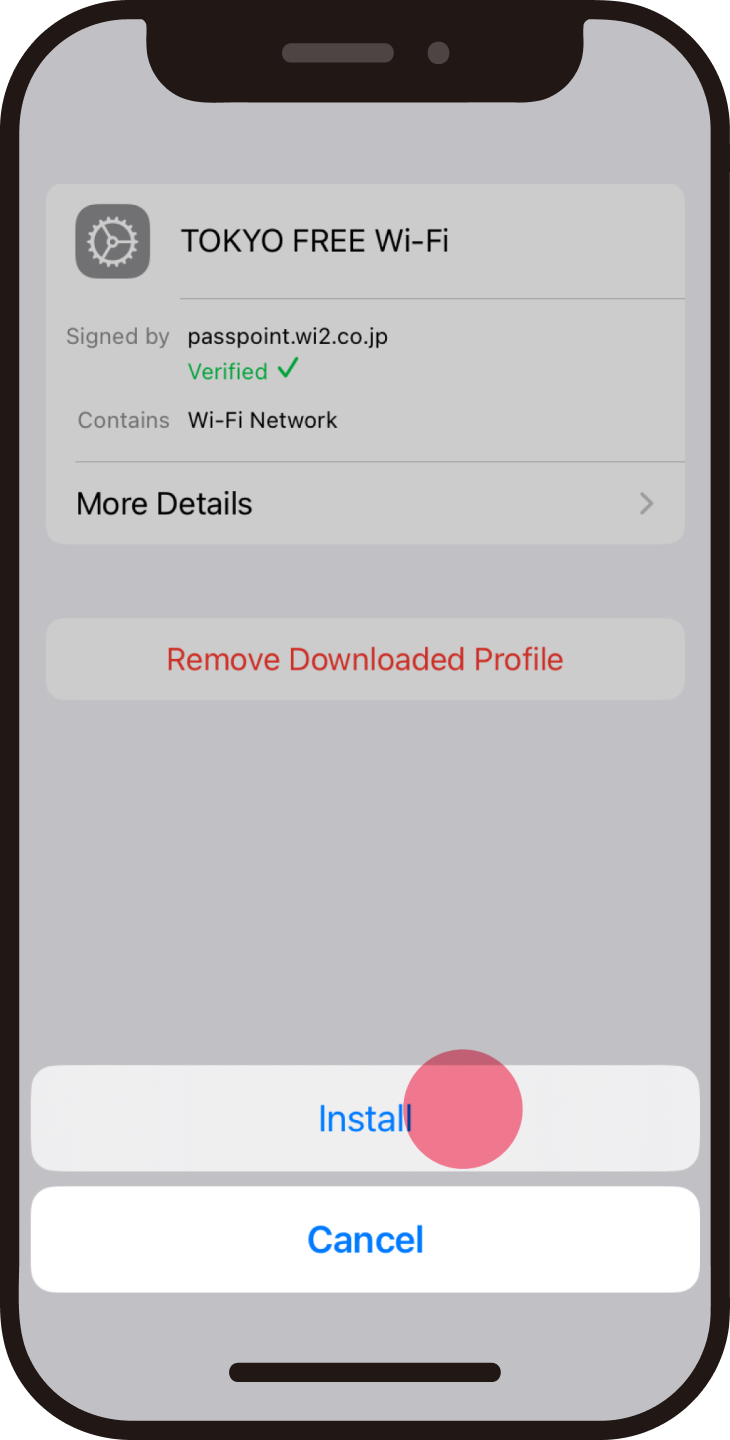
Tap "Install"
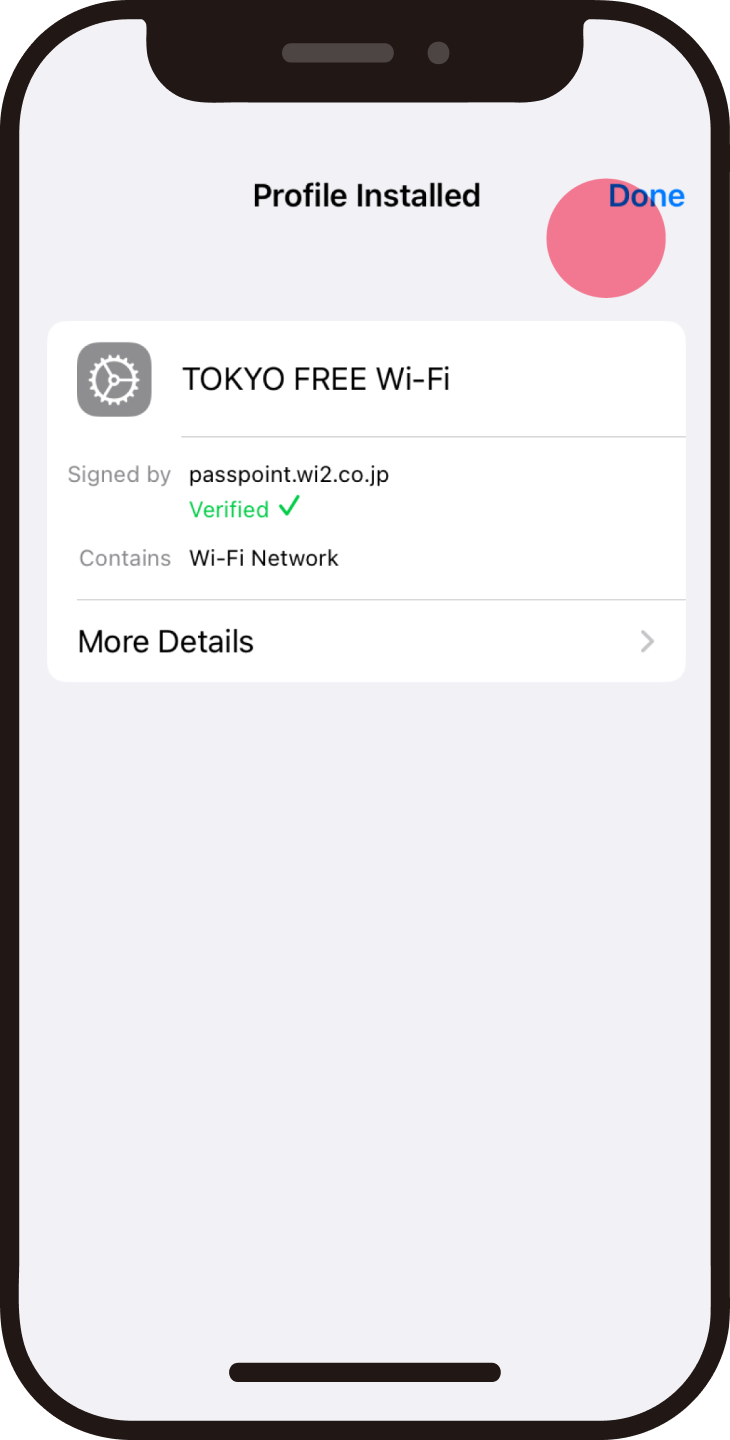
Setting (installation) completed
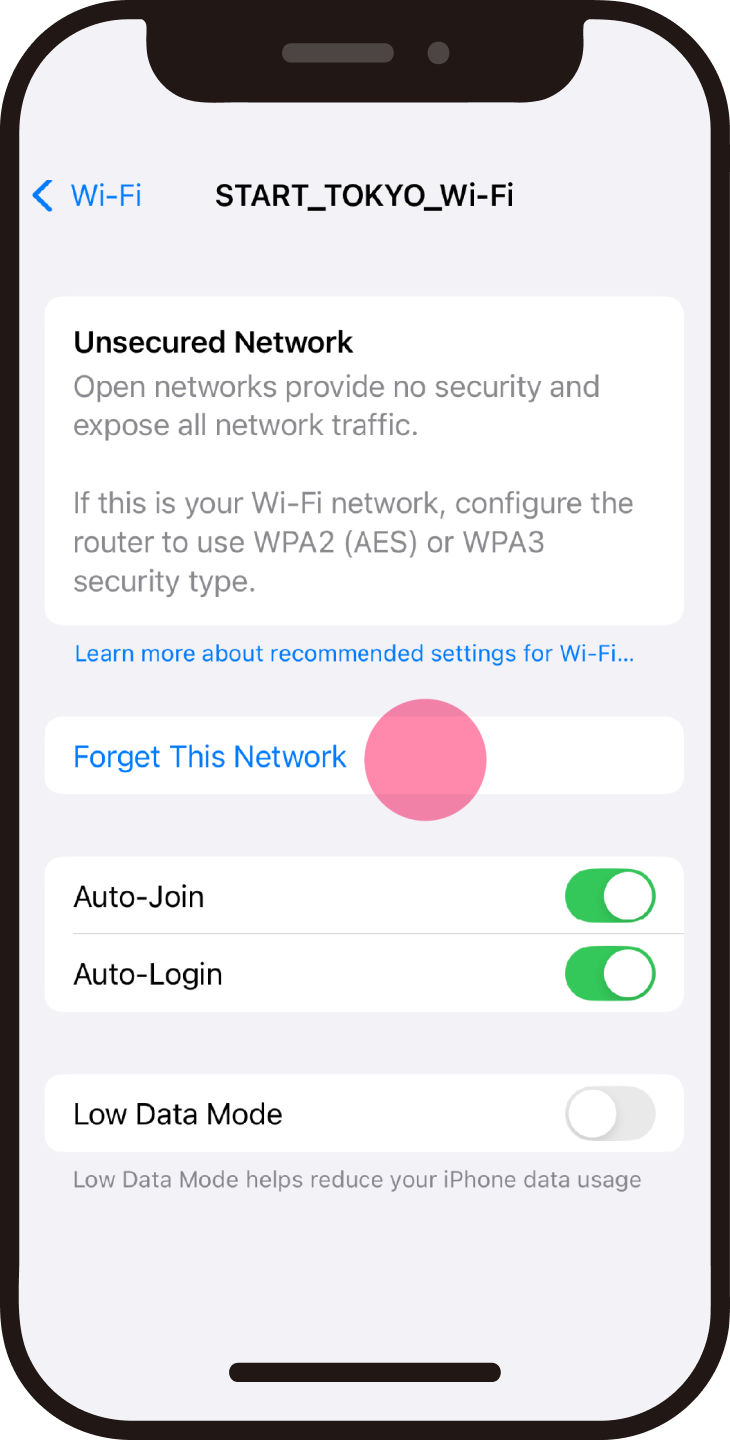
Tap "i" on the SSID "START_TOKYO_Wi-Fi" screen
*This operation is for when using "START_TOKYO_Wi-Fi".
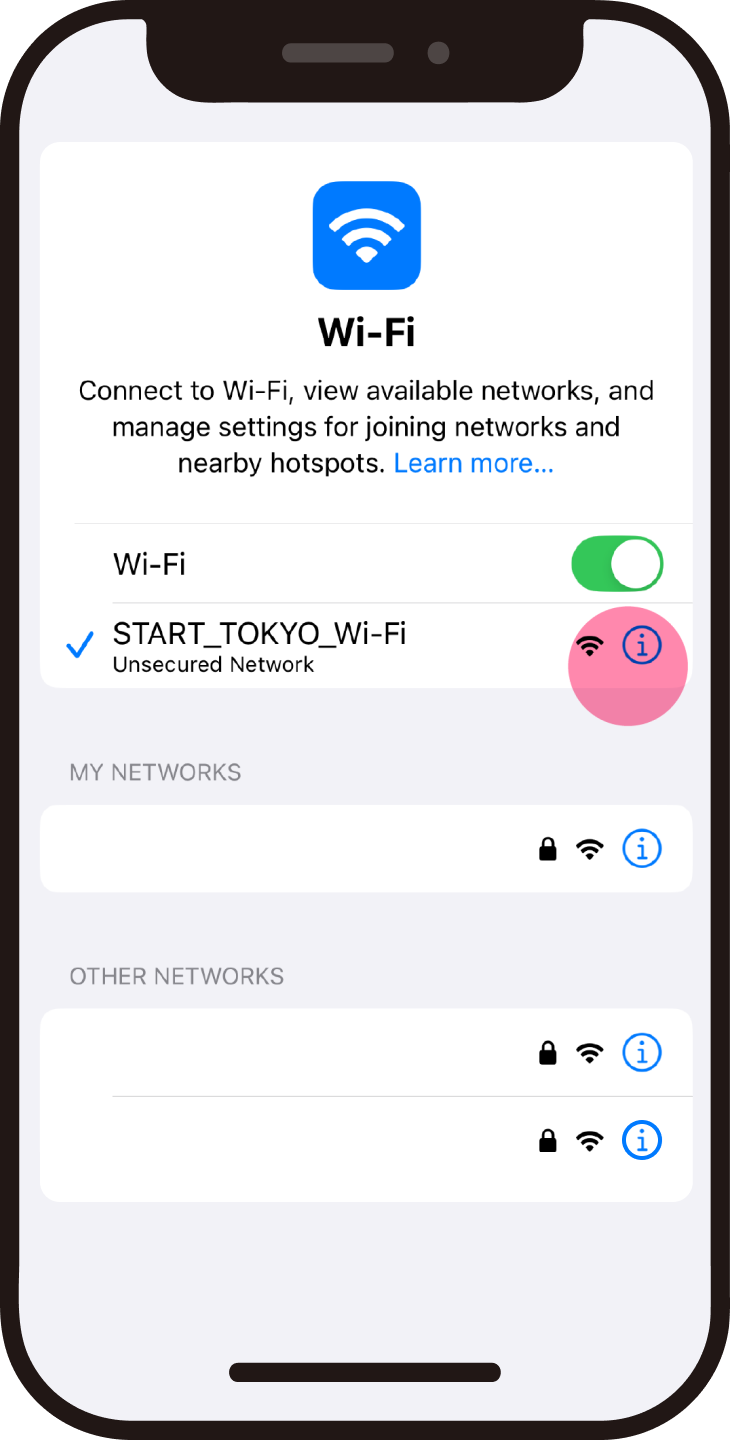
Tap "Forget This Network"
*After this, you will automatically connect to "TOKYO FREE Wi-Fi".

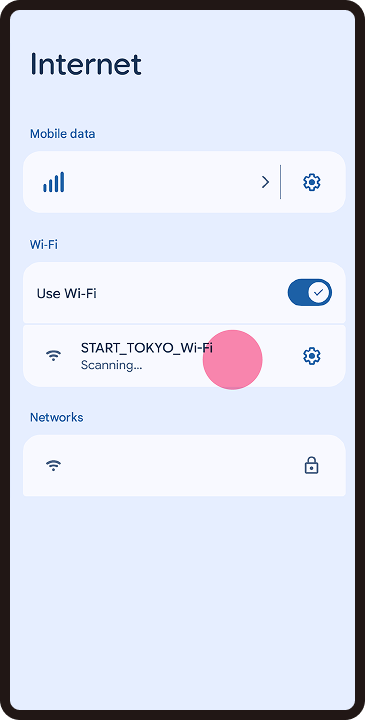
If you do not have an internet connection, please connect to the SSID “START_TOKYO_Wi-Fi” at the Wi-Fi sticker location.
You will be automatically redirected to the setup site.
*Please note that the SSID “START_TOKYO_Wi-Fi” may not be available at times.
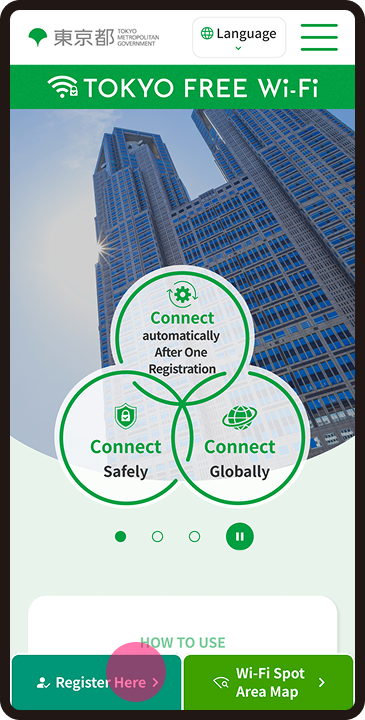
Click on "Register Here" to start the process.
After agreeing to the Terms of Use, confirm your identity.
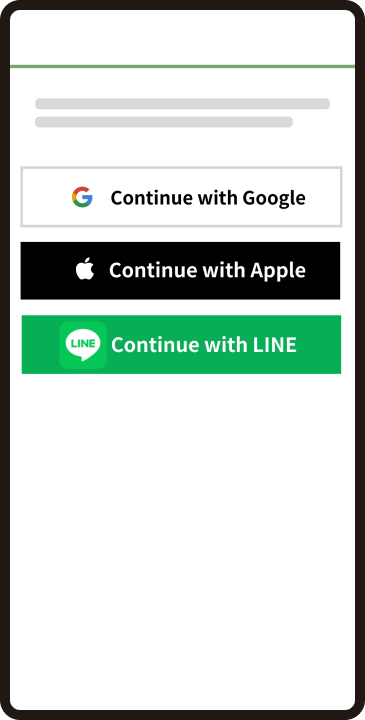
Registration of contact information
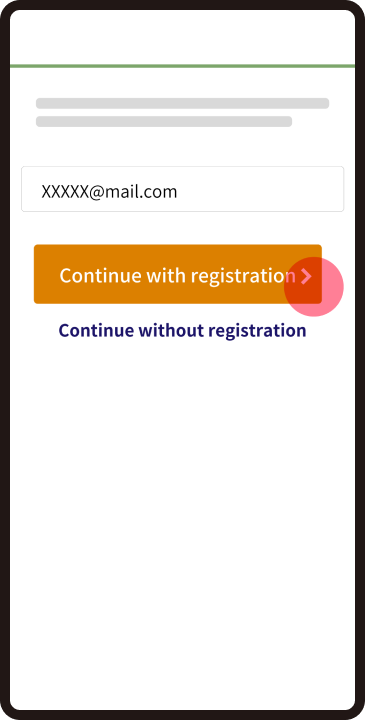
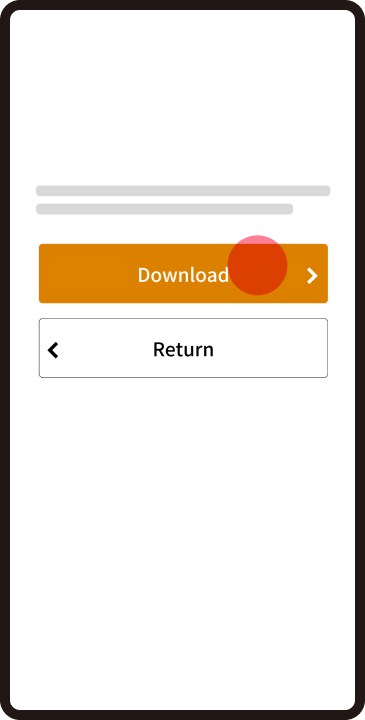
Download the profile
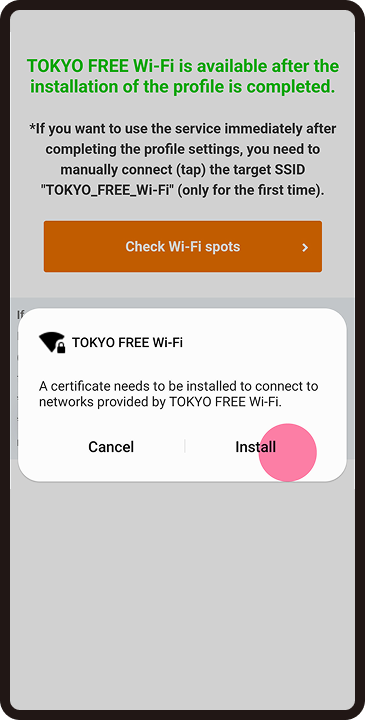
Tap "Install"
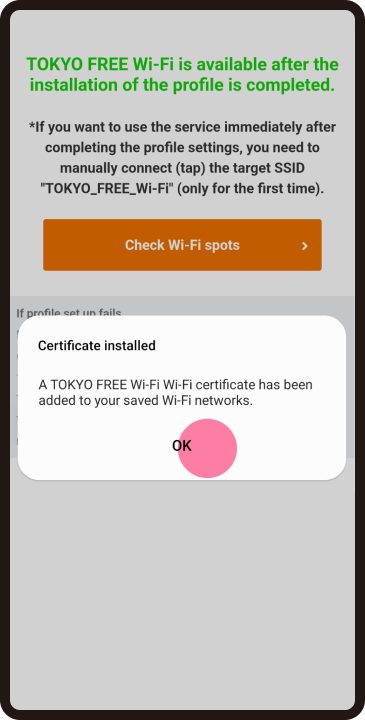
Setting (installation) completed
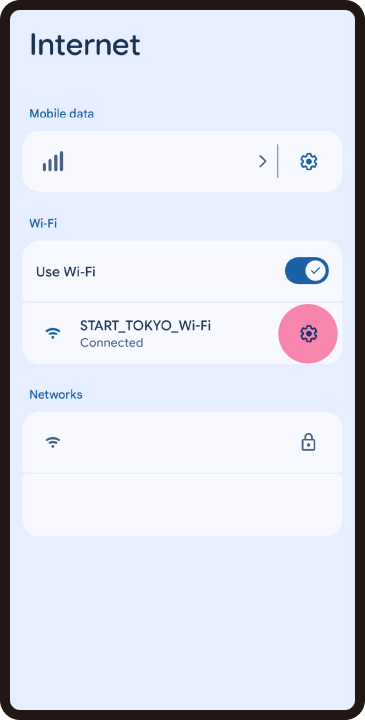
Tap the gear icon on the SSID "START_TOKYO_Wi-Fi" screen
*This operation is for when using "START_TOKYO_Wi-Fi".
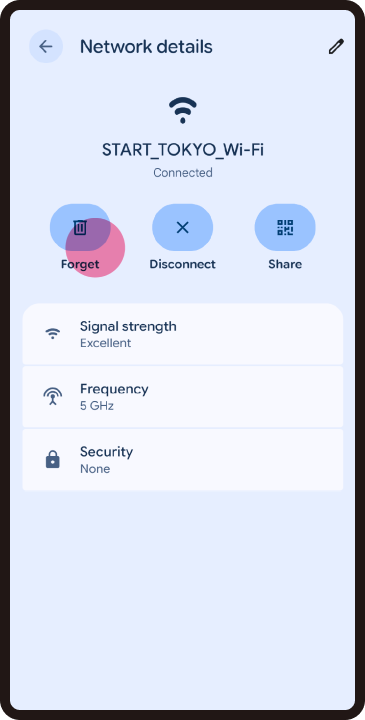
Tap "Delete"
*After this, you will automatically connect to "TOKYO FREE Wi-Fi".
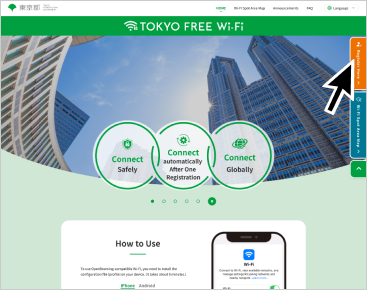
Click on "Register Here" to start the process.
After agreeing to the Terms of Use, confirm your identity.
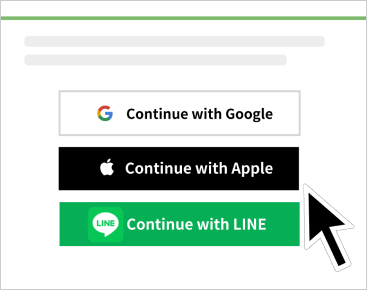
Registration of contact information
*You can use it without registering your email address.
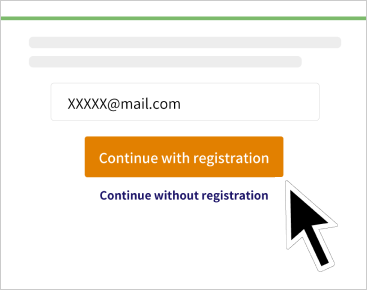
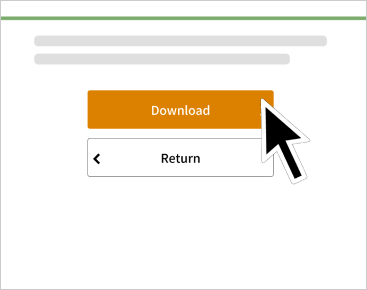
Click "Download" to download the profile.
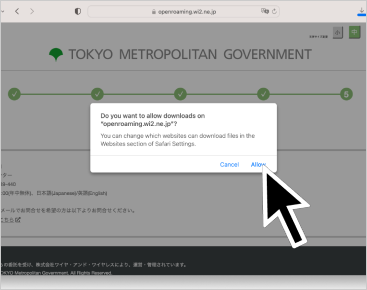
Permission to download
*For Safari
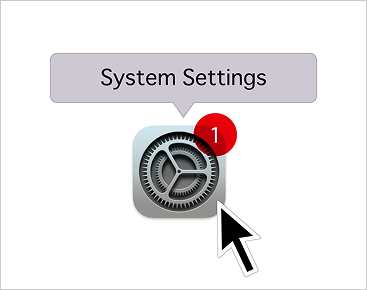
Select system settings
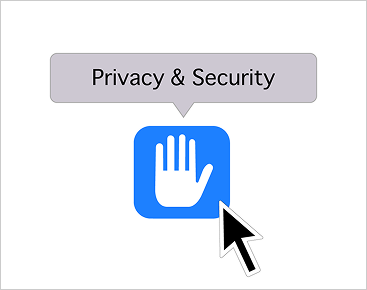
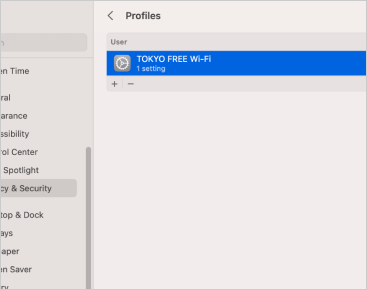
Choose Privacy and Security
*Location may differ in older OS versions.
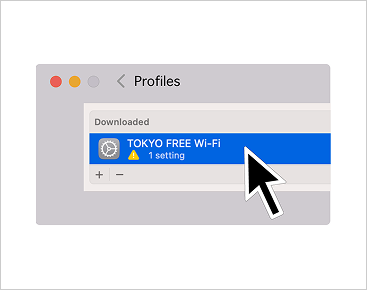
Double-click the downloaded profile
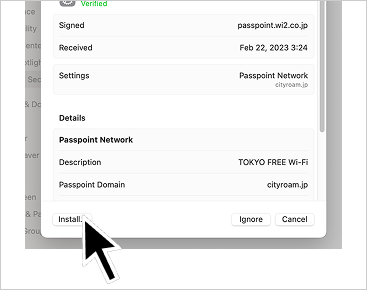
Click "Install"
Setting (installation) completed
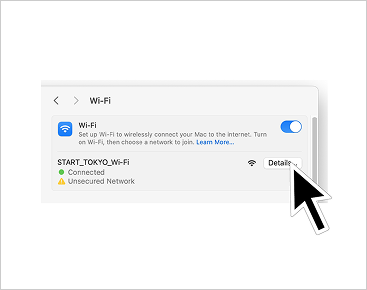
Click "Details" on the SSID "START_TOKYO_Wi-Fi" screen
*This operation is for when using "START_TOKYO_Wi-Fi".
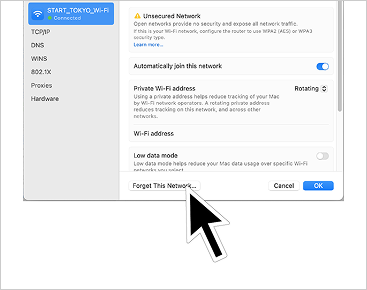
Click "Forget This Network"
*After this, you will automatically connect to "TOKYO FREE Wi-Fi".
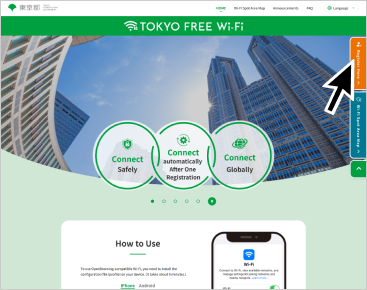
Click on "Register Here" to start the process.
After agreeing to the Terms of Use, confirm your identity.
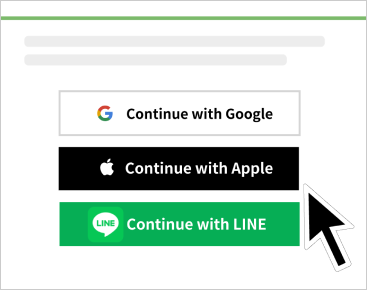
Registration of contact information
*You can use it without registering your email address.
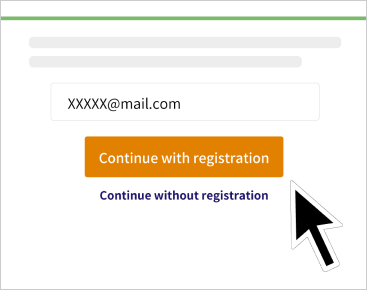
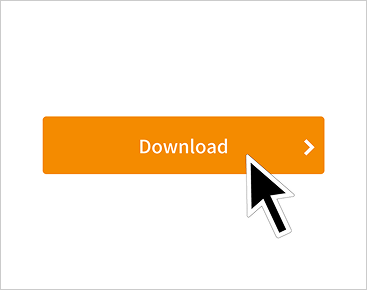
Click "Download" to download the profile.
Open settings
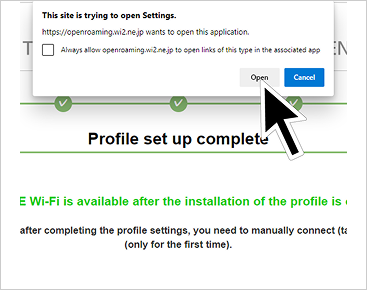
Add network
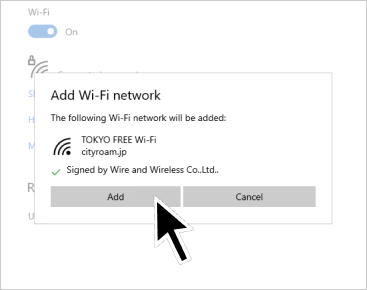
Setting completed
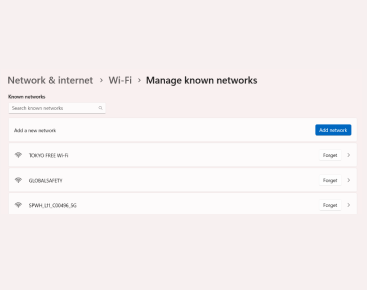
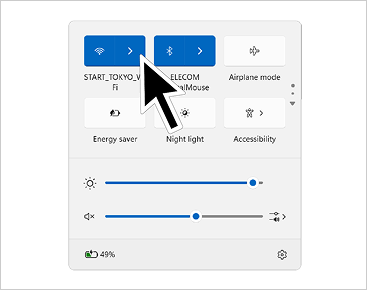
Click ">" on the SSID "START_TOKYO_Wi-Fi" screen
*This operation is for when using "START_TOKYO_Wi-Fi".
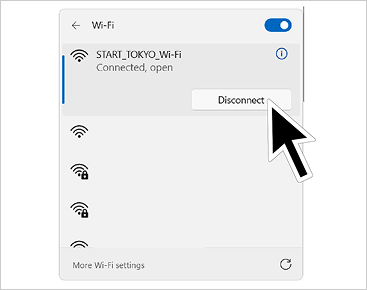
Click "Disconnect"
*After this, you will automatically connect to "TOKYO FREE Wi-Fi".
What is TOKYO FREE Wi-Fi?
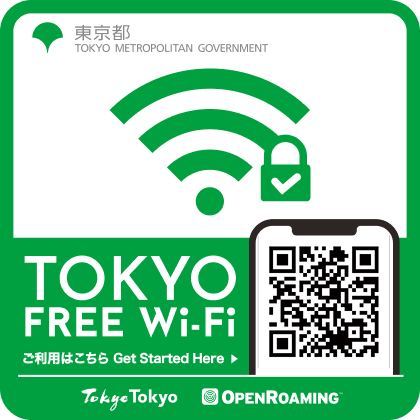
Tokyo's Safe and Secure Wi-Fi
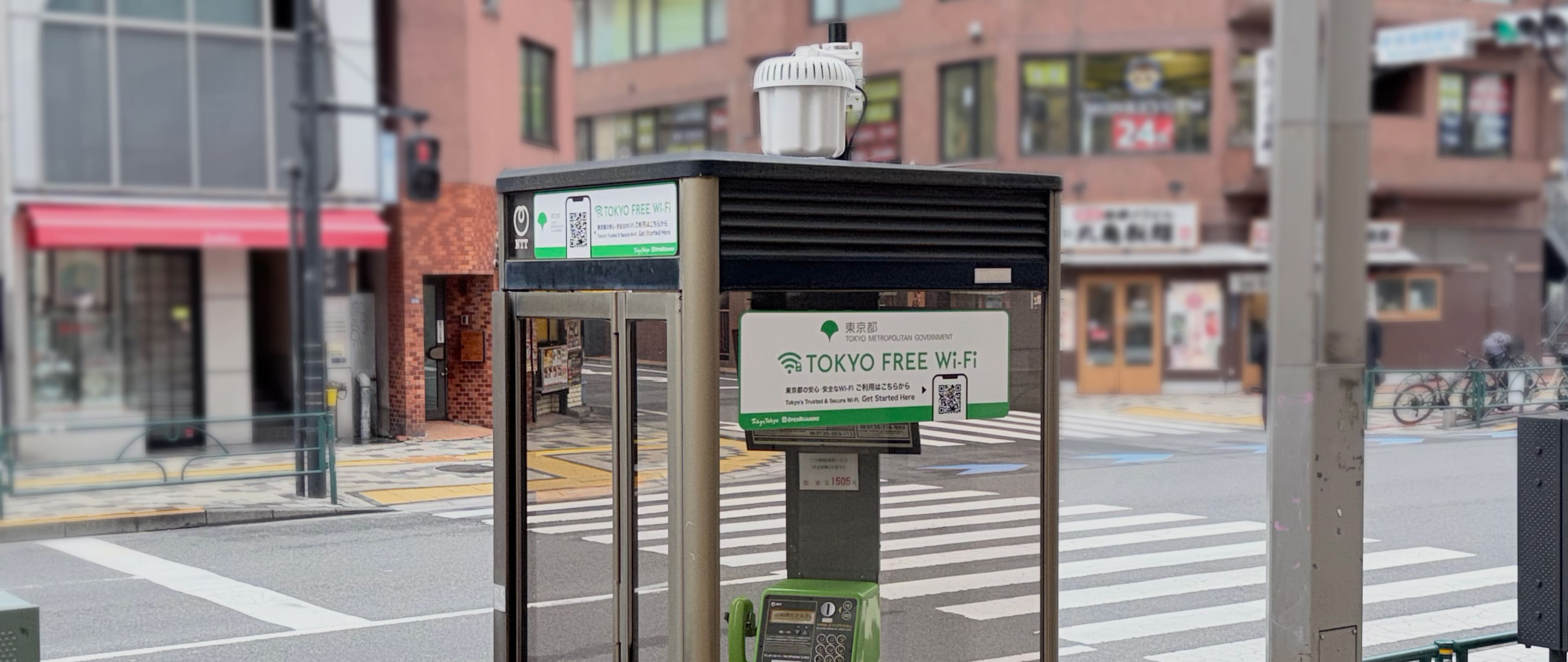
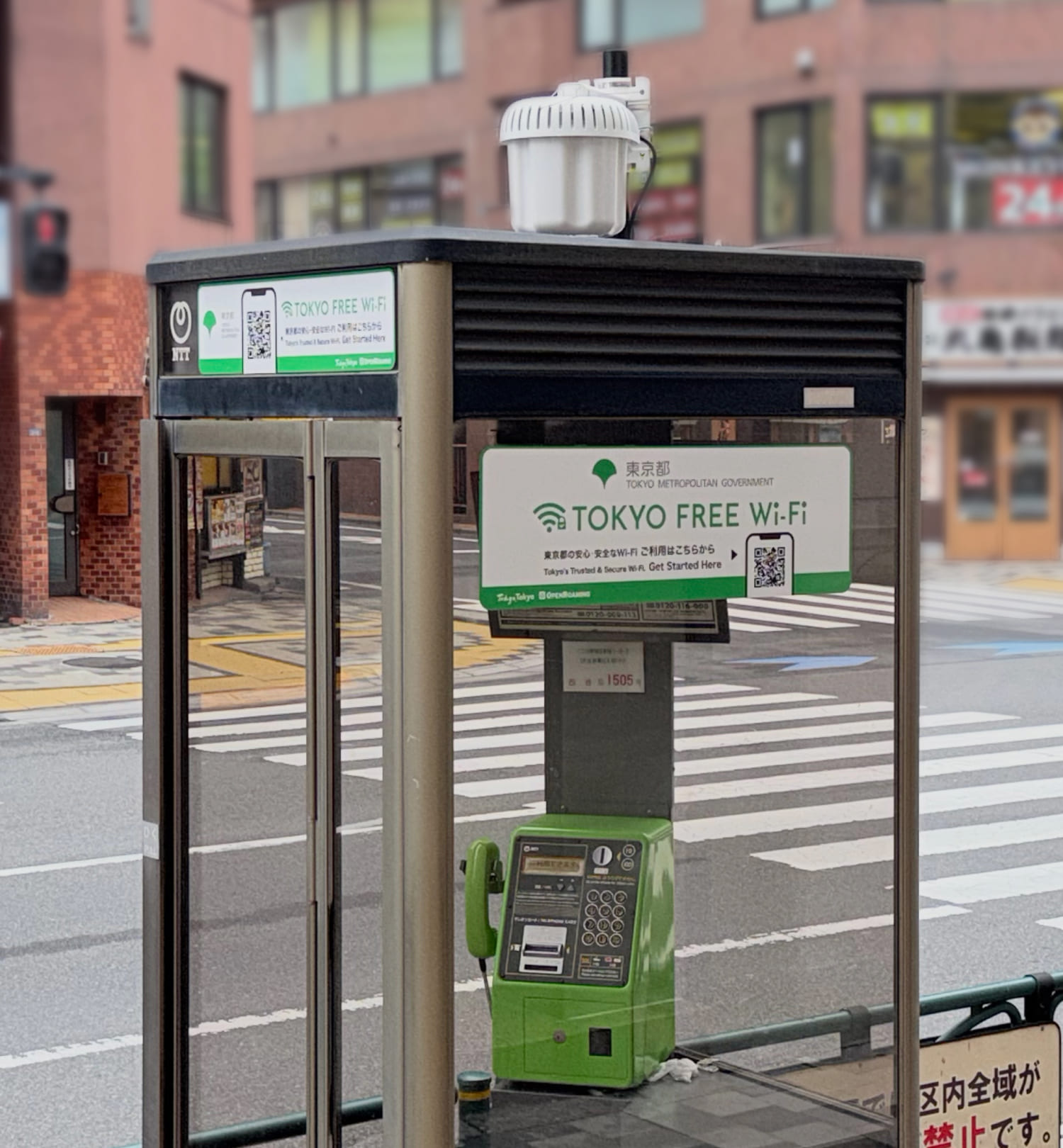
This service is available at locations with the green sticker.
Register HereFeatures of TOKYO FREE Wi-Fi
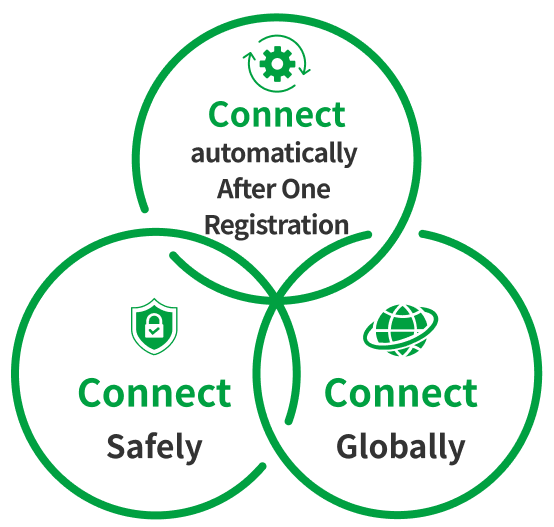
Connect Safely
High-security encryption ensures safe connections

Connect Automatically
Once registered and set up, it connects automatically from the next time onward

Connect Globally
Adopting the international standard "OpenRoaming" – Connect not only in Tokyo but worldwide at compatible spots

Available Locations
Where TOKYO FREE Wi-Fi is Available
At Wi-Fi spots where you can use it, look for this green sticker as the indicator.
For Facilities
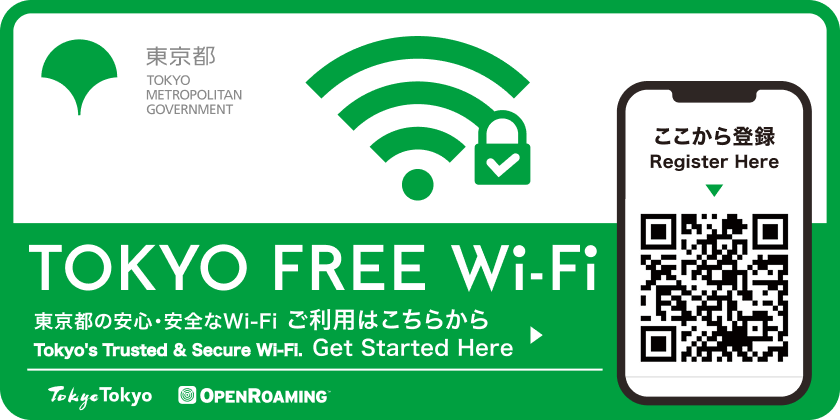
For Public Phone Booths
FAQ
Q Is there a usage fee?
Free of charge. Please note that if you access the setup website or download setup files using your mobile data, any resulting data charges will be borne by the user.
Q What is the difference between the SSID “FREE_Wi-Fi_and_TOKYO” and the SSID “TOKYO_FREE_Wi-Fi”?
The SSID “FREE_Wi-Fi_and_TOKYO” is a traditional public Wi-Fi service provided by the Tokyo Metropolitan Government that does not support OpenRoaming. The SSID “TOKYO_FREE_Wi-Fi” is the network name (SSID) used for the TOKYO FREE Wi-Fi service provided by the Tokyo Metropolitan Government, and refers to a high-security public Wi-Fi service that supports OpenRoaming.
Q Where is TOKYO FREE Wi-Fi available?
Available spots can be checked on the Wi-Fi spot area map. In addition, stickers are displayed near the spots where this service is available.
Q What is OpenRoaming?
This is an international Wi-Fi roaming federation operated by the Wireless Broadband Alliance (WBA), an industry association of public Wi-Fi service providers. Wi-Fi networks that support OpenRoaming encrypt the wireless communication section and automatically connect to compatible access points. This mechanism helps avoid the risks of eavesdropping as well as being redirected to impersonating (rogue) access points.
Q You are near a sticker, but you can't connect to TOKYO FREE Wi-Fi.
If you are unable to connect even though you are near a Wi-Fi hotspot indicated by the sticker, your device may not be detecting the signal. Try turning your device’s Wi-Fi off and then back on; this may occasionally resolve the issue. If you are still unable to connect, please contact our call center. *This may vary depending on the device.